All courses · AI Foundations · General
Prompting Beyond the Basics: Templates, Steps and Checks
Prompting Beyond the Basics: Templates, Steps and Checks is a self-paced AIvanced Academy course (13 lessons, 3h 29m).
Turn the prompts you already write into tested templates, step-by-step chains and simple checks, so you can show where every fact in an AI answer came from.
- Length: 3h 29m
- 13 lessons in 4 modules
- Level: Intermediate
- Certificate of completion
- Price: $24.99 one-time, lifetime access
Also included with Academy Membership ($29.99/month or $249.99/year) and with a Teams plan. See pricing
About this course
You already write clear prompts. Now the same jobs come back every week, some jobs are too big for one prompt, and a wrong number in an AI answer can reach a customer before anyone spots it. This course is the next step. You will turn your best prompts into templates you can trust, teach the AI a format with a few good examples, split big jobs into steps with a check after each one, and get answers from long documents that you can check word for word.
You will also learn one simple way to check any AI answer. Each claim is Backed, Not backed or Wrong. You will write short checklists that score drafts, learn how to prompt the "thinking" modes many AI tools now have, and build a personal prompt library so your best work is easy to find and reuse.
Every exercise uses one made-up company, Copperleaf Property Management, with made-up data, a prompt to copy or a clear task, a model answer and a way to finish it with no AI tool at all.
What you need: any AI chat assistant, such as ChatGPT, Claude, Google Gemini or Microsoft Copilot. Free plans work for every exercise. Every exercise uses made-up text you paste in, so no file uploads are needed. Real work information only goes into a tool your company has approved for it. Not sure? Ask your manager or IT contact, and keep practicing with the made-up material. No AI tool at all? Every exercise has a path without one. Not sure which plan you're on? The plan name usually shows under your name or in Settings. Menu paths, thinking mode names and plan details for each tool are in Tool Notes, a free page linked from this course page: Tool Notes (PDF).
Before you start: take Prompting Fundamentals first, or be able to write a clear prompt with a role, a task, context and a format. Not sure? The first lesson starts with a short ready check. AI Workspace Building Blocks: Projects, Artifacts, Skills and Agents pairs well with this course.
Topics: prompting, prompt templates, few-shot examples, big tasks in steps, prompt chains, long documents, fact-checking, hallucinations, rubrics, thinking modes, prompt library, templates
What you'll learn
- Build a reusable prompt template with clear placeholders, a no-guess rule and a reason for each rule, and test it on three cases before you trust it.
- Add a few varied, clearly marked examples to a prompt so the AI copies the format but not the details.
- Check a shared template with six questions before your team uses it.
- Split a big job into a chain of prompts, with a check after each step and only the checked result passed forward.
- Get answers from a long document with quotes you can find on the page and a clear "Not found."
- Label any AI claim Backed, Not backed or Wrong, write a short rubric to score drafts, and compare two versions fairly.
- Prompt a thinking mode with a goal, rules and what done looks like.
- Keep your best prompts in a personal prompt library with cards your team can trust.
What a lesson looks like
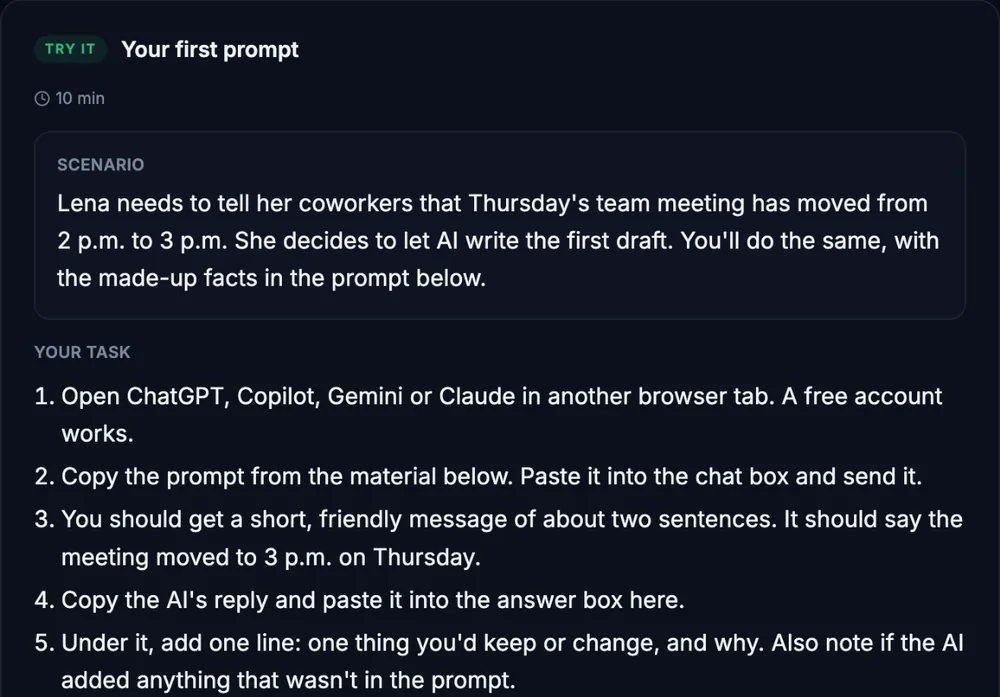
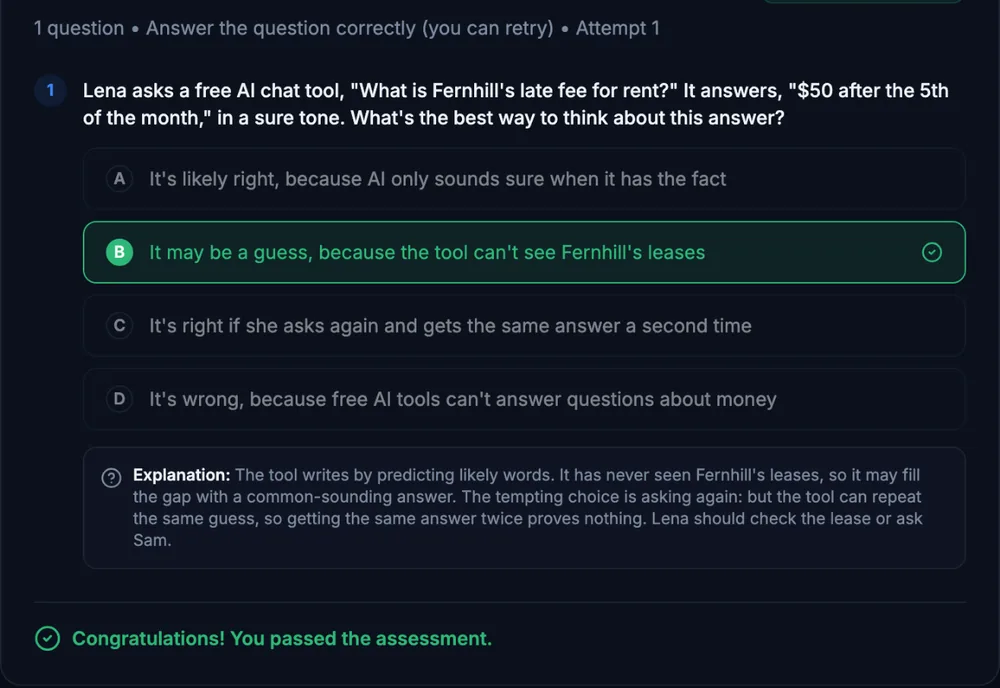
Course outline
Module 1: Templates and Examples
- Ready Check: Where This Course Starts (free preview)
- Templates You Can Trust
- Show, Don't Just Tell: Examples in Your Prompt
- Guided Check: Is This Template Ready to Share?
Module 2: Big Jobs in Steps
- Prompt Chains: One Step, One Check
- Long Documents: Document First, Question Last
- Structured Simulation: The Monthly Owner Report
Module 3: Checking Results
- Rubrics: Score and Compare Two Drafts
- Guided Check: Can I Trust This Answer?
Module 4: Make It Yours
- Prompting Thinking Modes
- Your Personal Prompt Library
- Final Practice Exercise: Your Prompt Kit for a New Building
- Final Knowledge Check
Start with the free preview lessons, no account required. Questions about buying