All courses · Platform Mastery · Copilot
Microsoft Copilot for Everyday Work
Microsoft Copilot for Everyday Work is a self-paced AIvanced Academy course (12 lessons, 2h 52m).
Use Microsoft Copilot at work to summarize and draft emails in Outlook, recap Teams meetings, write first drafts in Word, and outline slides in PowerPoint, safely and with every fact checked.
- Length: 2h 52m
- 12 lessons in 4 modules
- Level: Beginner
- Certificate of completion
- Price: $19.99 one-time, lifetime access
Also included with Academy Membership ($29.99/month or $249.99/year) and with a Teams plan. See pricing
About this course
Your company uses Microsoft 365, and Copilot keeps showing up: in Outlook, in Teams, in Word, and in a chat box of its own. This course shows you what it can do for your everyday work, what it cannot do, and how to use it safely.
First you will find out which Copilot you actually have. Many work plans include Copilot Chat at no extra cost, and some people also have a paid Copilot license that unlocks more. Then you will learn a simple four-part prompt, how the Work IQ switch decides what Copilot can look at, and the safe-use rules that matter most: Copilot can only see what you can see, sensitivity labels still apply, and you check every draft before it goes anywhere.
Next you will practice the tasks office workers do every day: summarizing a long email thread and drafting a reply in Outlook, getting a meeting recap with owners and due dates in Teams, turning notes into a first-draft document in Word, and building a slide outline in PowerPoint. You will also get a short look at Copilot in Excel.
Every practice activity gives you a copy-ready prompt, a model answer, and a way to practice even if you do not have a Copilot license yet. All examples use a fictional company. Copilot changes often, so the course points out where names and menus have changed and tells you how to check what your own plan includes. No technical background is needed.
Topics: copilot, outlook, teams, word, powerpoint, excel, email, meeting notes, presentations
What you'll learn
- Tell apart Copilot Chat, the paid Copilot license, and personal Copilot plans, and check which Copilot your work account has.
- Write clear Copilot prompts with a goal, context, source, and expectations, and know when the Work IQ switch lets Copilot use your work data.
- Use Copilot safely: it sees only what you can see, sensitivity labels still apply, overshared files get reported, and every draft gets checked.
- Use Copilot in Outlook to summarize long email threads and draft clear replies you review before sending.
- Generate meeting summaries and recaps in Teams, and check owners, dates, and decisions before you share them.
- Create first-draft documents in Word from your notes and files, and make them accurate and your own.
- Build slide outlines in PowerPoint, and know when Copilot in Excel helps and where to learn more.
- Combine Outlook, Teams, Word, and PowerPoint into one safe, checked workflow for a real work task.
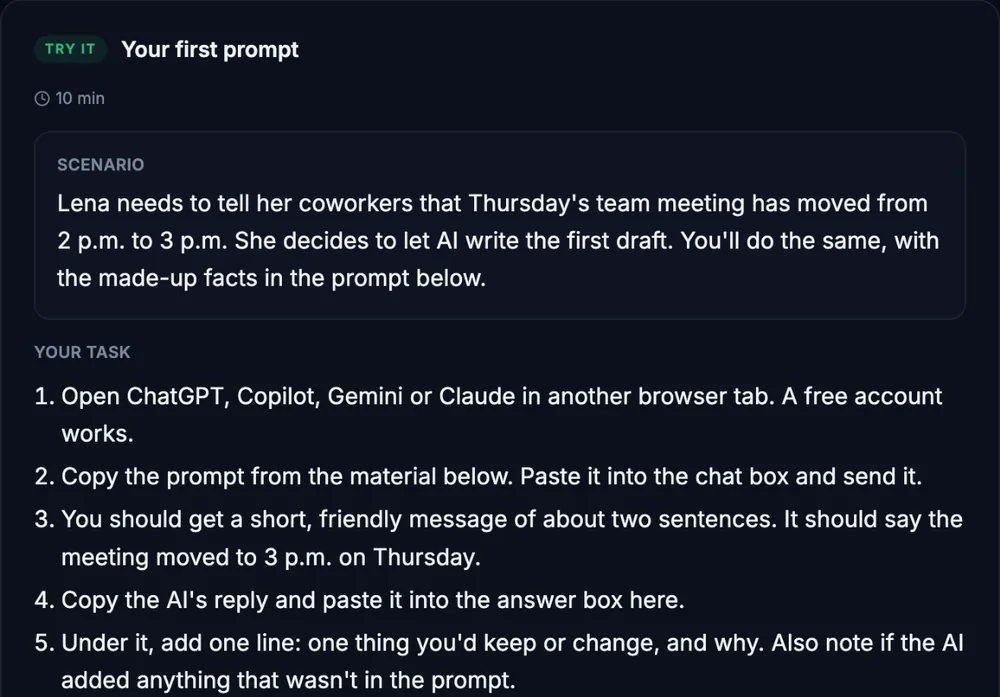
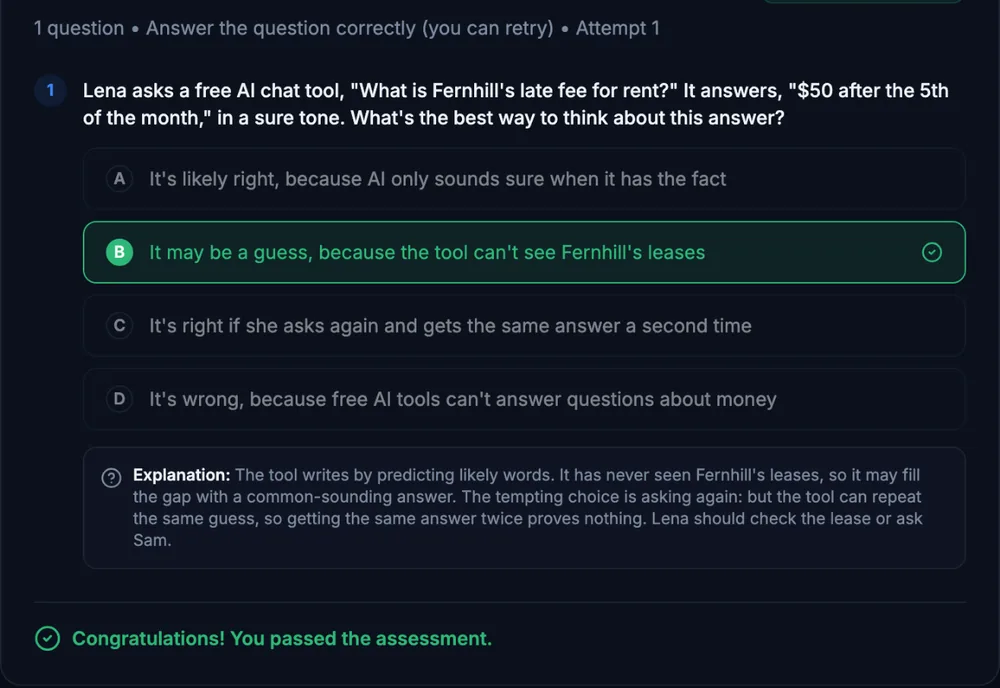
What a lesson looks like
Course outline
Module 1: Getting Started With Copilot
- Meet Copilot: Which One Do You Have? (free preview)
- Copilot Chat: Clear Prompts and the Work IQ Switch
- Safe Use: What Copilot Can See
Module 2: Email and Meetings
- Outlook: Summarize Threads and Draft Replies
- Teams: Meeting Recaps and Follow-Ups
- Guided Check: Check a Recap Before You Send It
Module 3: Documents, Slides, and Spreadsheets
- Word: First Drafts From Your Notes and Files
- PowerPoint Outlines and a Quick Look at Excel
- Guided Check: Review a Copilot Draft Before You Share It
Module 4: Putting It All Together
- Structured Simulation: A Customer Day With Copilot
- Final Practice Exercise: Your Copilot Workflow for a Real Task
- Final Knowledge Check
Start with the free preview lessons, no account required. Questions about buying