All courses · Platform Mastery · ChatGPT
ChatGPT Plugins and Skills: Package Your Best Work
ChatGPT Plugins and Skills: Package Your Best Work is a self-paced AIvanced Academy course (6 lessons, 1h 30m).
Turn the tasks your team repeats into ChatGPT skills and plugins that anyone can run the same way. Test them, share them safely, and move your old custom GPTs before they retire.
- Length: 1h 30m
- 6 lessons in 3 modules
- Level: Intermediate
- Certificate of completion
- Price: $9.99 one-time, lifetime access
Also included with Academy Membership ($29.99/month or $249.99/year) and with a Teams plan. See pricing
About this course
OpenAI plans to retire custom GPTs (versions of ChatGPT that someone set up with their own instructions and files for one job) and points teams to plugins instead. A plugin packages skills (reusable instructions), reference files, and connected apps so a whole team can do a task the same way.
This course is for team leads, power users, and workspace admins at small and mid-size companies. You should already use ChatGPT for everyday work. You will learn how skills and plugins differ from projects, custom instructions, and memory; who can create and use them; how to write a skill that works the first time; how to test it, version it, and share it in a workspace; which admin controls matter; and how to keep a plugin safe with least privilege and no secrets. You will also build a migration plan for any custom GPT you rely on.
Every exercise gives you a copy-ready skill draft, a fallback for plans without skills or plugin creation (you build the same thing as a project), and a model answer. All examples use a fictional company, Tallowbrook Supply.
What you need: any ChatGPT account. Open Plugins in ChatGPT (or Settings > Plugins). If you see a Skills tab there, use it. If not, you'll build the same thing as a project, and every exercise shows you how. Plans and menus change often; the course says "at the time of writing" where that matters.
Before you start: this course assumes you already use ChatGPT for everyday work. If you use ChatGPT at work, take "ChatGPT at Work: Setup and Everyday Workflows" first. If you are new to writing prompts, take "Prompting Fundamentals" first.
Topics: chatgpt, skills, plugins, custom gpts, team sharing, automation
What you'll learn
- Explain what skills and plugins are, and choose between a skill, a plugin, a project, custom instructions, and memory for a given need.
- Check which ChatGPT plans can create skills and plugins, and pick the right fallback on a personal plan.
- Turn a repeatable task into a skill with clear instructions, inputs, an output example, rules, and reference files.
- Test a skill with five kinds of cases and keep a simple version history of your own instructions.
- Share a plugin in a workspace with the right access level, and describe the admin controls for installation, roles, and actions.
- Apply least privilege to a plugin's connected apps and keep secrets and personal data out of instructions and files.
- Back up and migrate a custom GPT before its retirement date, or rebuild it as a project on a personal plan.
What a lesson looks like
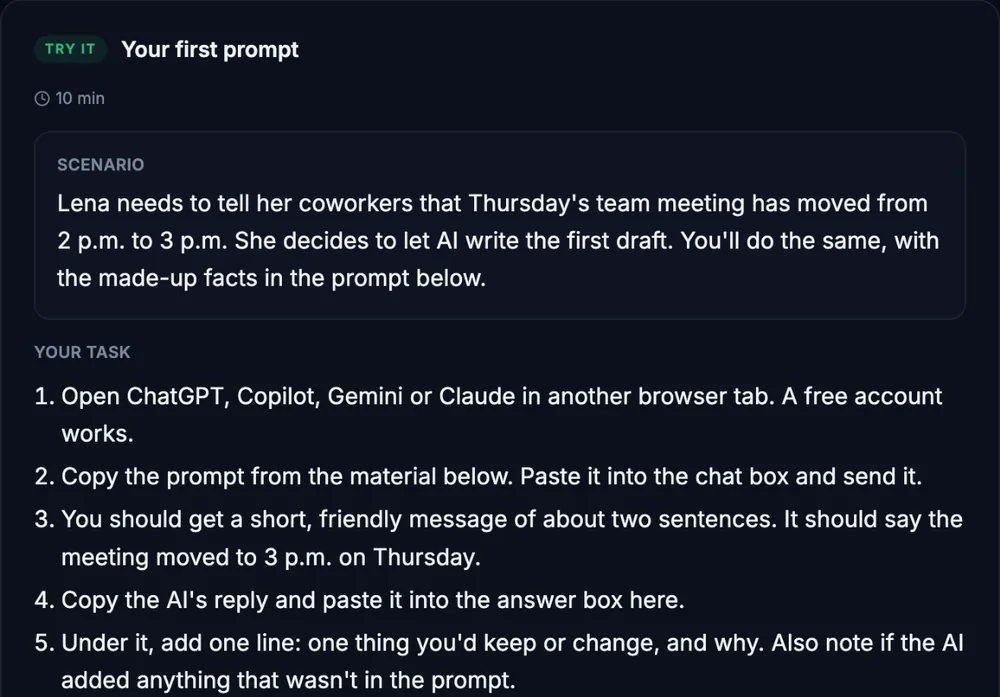
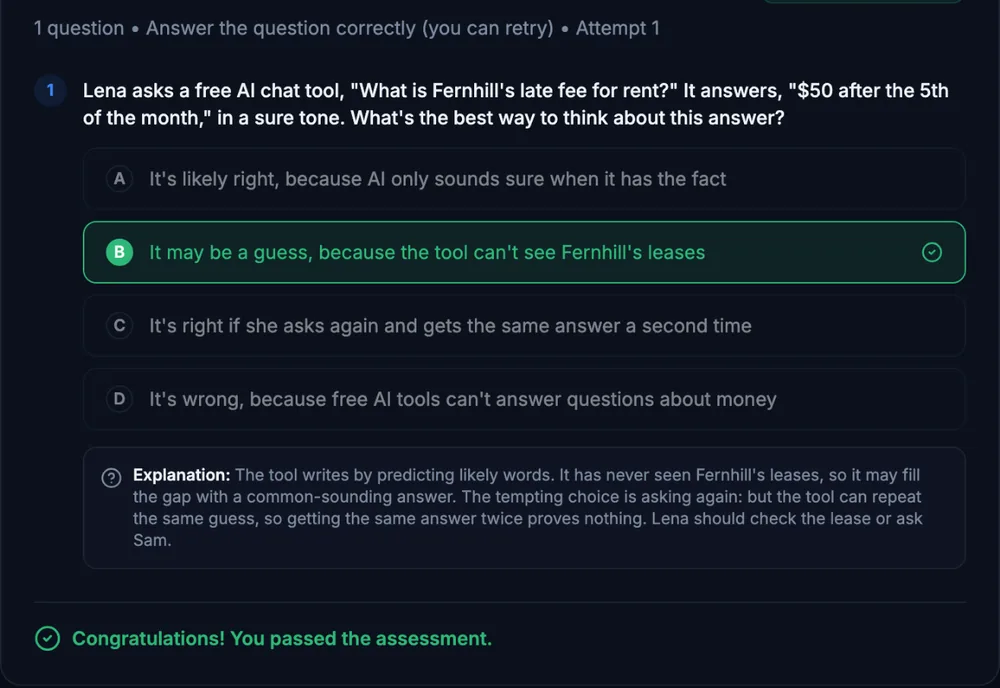
Course outline
Module 1: Skills, Plugins, and Your First Skill
- Skills, Plugins, and How They Differ from What You Know (free preview)
- Turn a Repeatable Task into a Skill
Module 2: Test, Share, and Keep It Safe
- Test, Version, and Share Your Plugin
- Safety Check: Least Privilege and No Secrets
Module 3: Move Your Custom GPTs and Check Your Skills
- Move a Custom GPT Before It Retires
- Final Knowledge Check
Start with the free preview lessons, no account required. Questions about buying