All courses · Practical Applications · ChatGPT
ChatGPT at Work: Setup and Everyday Workflows
ChatGPT at Work: Setup and Everyday Workflows is a self-paced AIvanced Academy course (18 lessons, 2h 2m).
Connect your work accounts to ChatGPT, teach it your writing voice, and put two useful jobs on a schedule. For teams on Business or Enterprise plans.
- Length: 2h 2m
- 18 lessons in 5 modules
- Level: Beginner
- Certificate of completion
- Price: $19.99 one-time, lifetime access
Also included with Academy Membership ($29.99/month or $249.99/year) and with a Teams plan. See pricing
About this course
A hands-on setup course for people using ChatGPT on a Business or Enterprise plan at work. You will connect your email, team chat, calendar, and file storage; learn a warning-sign habit for spotting what may not be safe to paste, with your workplace rules deciding; teach ChatGPT your own writing style and a tone standard that stays kind without going vague; and set up two scheduled tasks: a weekly summary draft you review and send yourself, and a daily list of messages you haven't answered. Every lesson is self-contained, so you can take it alone at your own pace. A downloadable facilitator guide is included for anyone who wants to run it as a live session for their team.
Before you start: most of the hands-on lessons need your ChatGPT workspace administrator (the person who manages your company's ChatGPT settings) to turn on apps for your email, team chat, calendar, and files, plus scheduled tasks and memory. If these aren't on yet, you can still do the lessons that don't need them: "What not to paste into a prompt", "The screenshot test", "Always kind, even when disagreeing", "Guided Check: draft a difficult email in your voice", "Turn a meeting into action items", the Final Knowledge Check, and the Final Practice Exercise, which has a made-up practice week you can use.
Topics: chatgpt, connectors, email, calendar, meeting notes, writing style, scheduled tasks
What you'll learn
- Connect email, team chat, calendar, and file storage, and verify each one is actually returning your data
- Spot what may not be safe to share with an AI tool, using the screenshot test as a warning sign, with your workplace rules deciding what is allowed
- Teach ChatGPT your writing style and a tone standard that stays kind without losing the substance of a difficult message
- Schedule recurring tasks that summarize your week and surface messages you have not answered
- Pause, fix, and safely stop an automated task when it misfires
What a lesson looks like
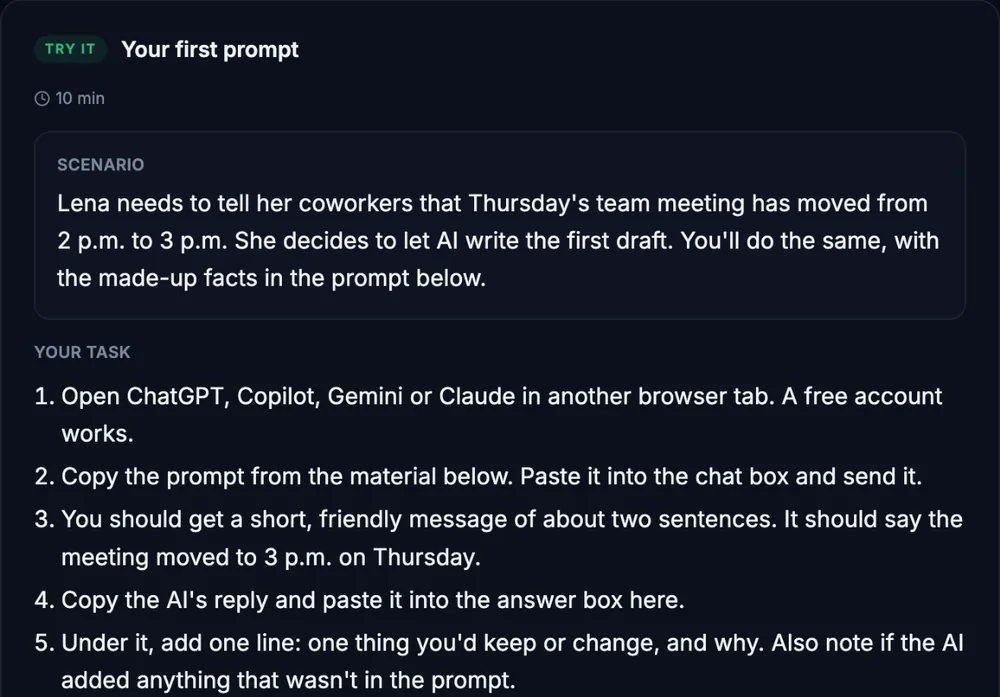
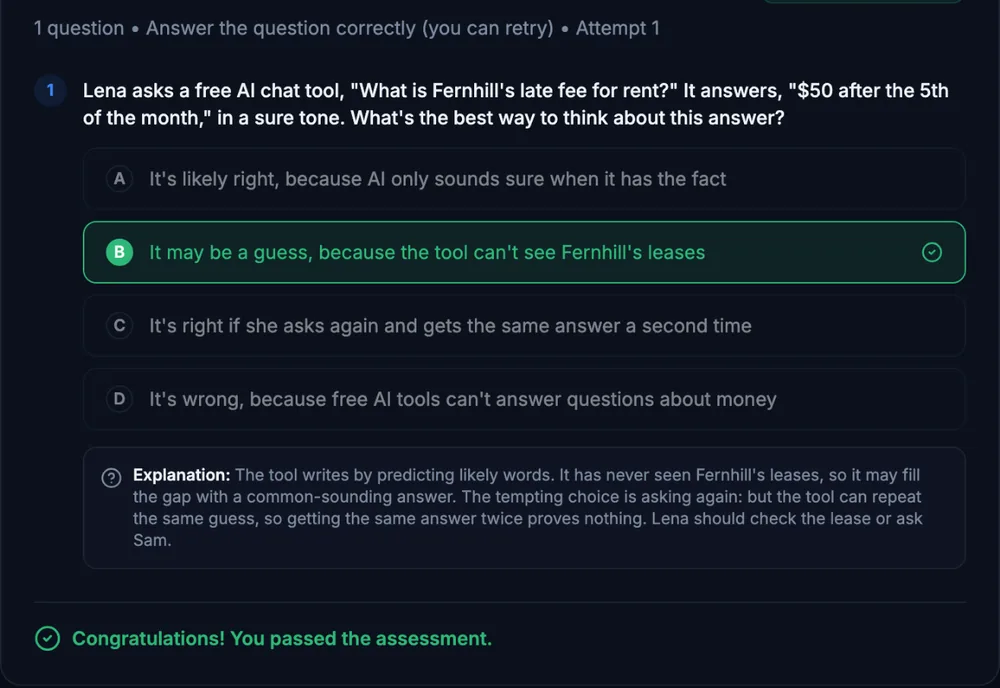
Course outline
Connect Your Workspace
- What your plan gives you, and what has to be turned on (free preview)
- Connect your email
- Connect your team chat app
- Connect calendar and file storage
- Guided Check: verify all four connections
Working Safely
- What not to paste into a prompt
- The screenshot test
Teach ChatGPT Your Voice
- Teach it your writing style
- Always kind, even when disagreeing
- Guided Check: draft a difficult email in your voice
Everyday Workflows
- Read this document for me
- Find a time to meet with your supervisor
- Turn a meeting into action items
Put It on a Schedule
- Two scheduled tasks
- Structured Simulation: build your own scheduled task
- When something breaks
- Final Knowledge Check
- Final Practice Exercise
Start with the free preview lessons, no account required. Questions about buying