All courses · Practical Applications · Multiple
Build Your Own Personal Dashboard with AI, Part 2: Track, Chart, and Connect
Build Your Own Personal Dashboard with AI, Part 2: Track, Chart, and Connect is a self-paced AIvanced Academy course (6 lessons, 1h 30m).
Grow your one-page AI-built dashboard with a habit and goal tracker, a small chart from your own numbers, and (optionally) your real calendar and inbox, with no coding. Part 2 of 2.
- Length: 1h 30m
- 6 lessons in 3 modules
- Level: Beginner
- Certificate of completion
- Price: $9.99 one-time, lifetime access
Also included with Academy Membership ($29.99/month or $249.99/year) and with a Teams plan. See pricing
About this course
A personal dashboard puts the parts of your day you really use on one page. In this course you add to one by describing what you want in plain words to an AI assistant.
Part 1 recommended first. This is Part 2 of 2. Build Your Own Personal Dashboard with AI, Part 1: Your Daily Page covers planning your page, choosing a track, a Today page, a to-do list that remembers, and a privacy check. If you skipped it, the first lesson gives you a starter prompt that builds a Today page with a to-do list, so you can begin here.
This beginner course is for professionals, managers, freelancers, and small-business owners who are comfortable with a web browser and an AI chat tool. No coding is needed.
You can follow one of two tracks, with the same exercises in each. Build it in Claude uses Claude artifacts. Build it in ChatGPT uses ChatGPT Sites. If you have a free plan, a simple fallback lets you save your dashboard as a file on your own computer. Step by step, you will add a habit and goal tracker and a small chart, and learn to check what the AI builds against an answer you already know. A lesson shows how to add your real calendar and inbox (connecting them is optional). That step needs certain paid plans and, for work accounts, company approval. Everyone else gets a simple fallback. Then you will check the new sections on a phone and review them for privacy before you share.
What you need: Claude track: saving data and live connections need Claude Pro or higher. ChatGPT track: ChatGPT Sites needs ChatGPT Plus, Pro, or a ChatGPT workspace plan; live data in Sites needs ChatGPT Business or Enterprise with admin approval. Free plans can finish the course with the local-file fallback. All examples use made-up people and data. Plans and features change often, so check your own plan as you go.
Topics: dashboards, no-code, build with ai, habit tracker, charts, calendar, inbox
What you'll learn
- Pick up your dashboard from Part 1, or build a starter page, and confirm it still saves.
- Give the AI a rule and a test example with a known answer, then check what it builds.
- Add a habit and goal tracker that saves your progress.
- Add a simple chart from pasted data, and check it against a table of the same numbers.
- Explain what live calendar and inbox data needs on your plan, and add it or use a fallback.
- Keep live data read-only and minimal, with no keys or passwords in the page or your prompts.
- Make the new sections work on a phone and check them for privacy and sharing before you share.
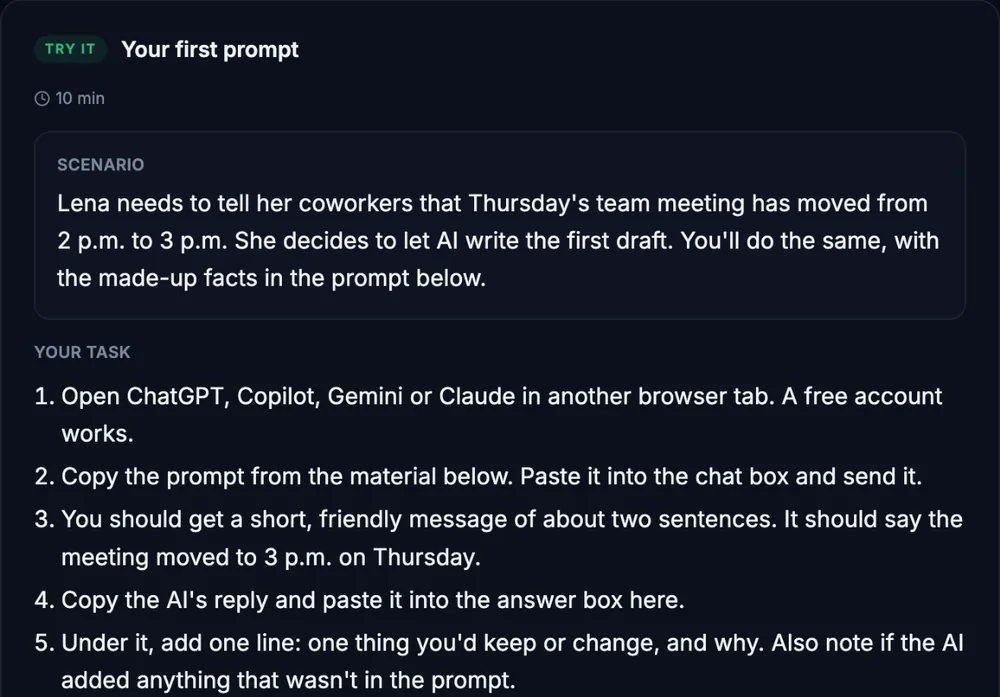
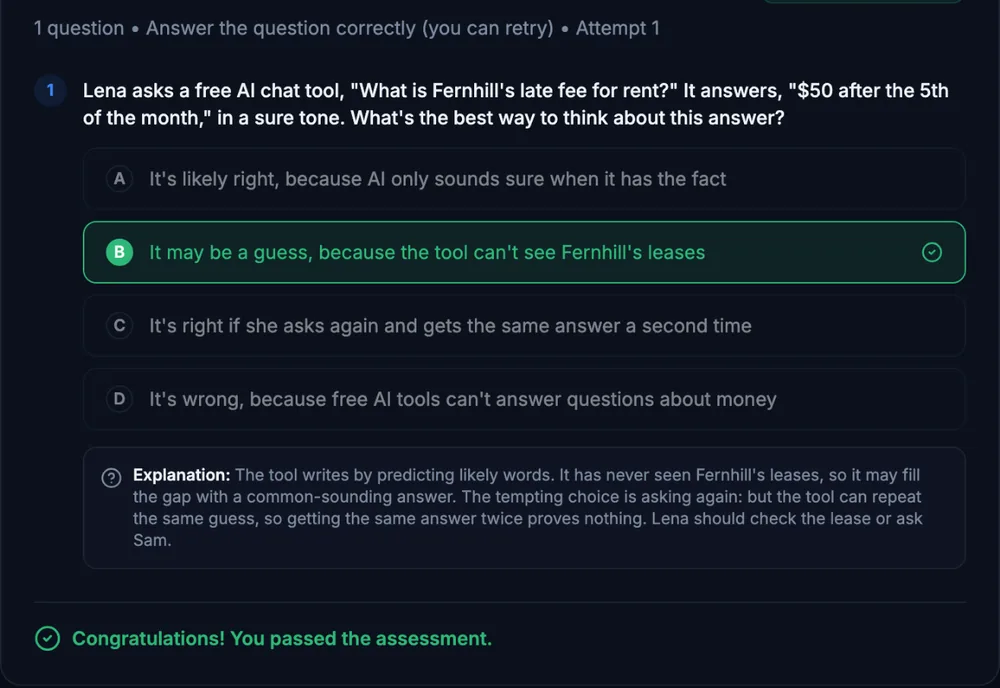
What a lesson looks like
Course outline
Module 1: Get Ready
- Start Here: Get Your Dashboard Ready (free preview)
Module 2: Track, Chart, and Connect
- Exercise 1: A Habit and Goal Tracker
- Exercise 2: A Small Chart from Pasted Data
- Exercise 3: Live Data (Live Connection Optional)
Module 3: Finish It Safely
- Exercise 4: Polish and Privacy for Your New Sections
- Final Assessment
Start with the free preview lessons, no account required. Questions about buying