All courses · Practical Applications · Multiple
Build Your Own Personal Dashboard with AI, Part 1: Your Daily Page
Build Your Own Personal Dashboard with AI, Part 1: Your Daily Page is a self-paced AIvanced Academy course (6 lessons, 1h 25m).
Describe the page you want, and an AI assistant builds it. Make a one-page dashboard for your day with the date, priorities, quick links, notes, and a to-do list that remembers, with no coding. Part 1 of 2.
- Length: 1h 25m
- 6 lessons in 3 modules
- Level: Beginner
- Certificate of completion
- Price: $9.99 one-time, lifetime access
Also included with Academy Membership ($29.99/month or $249.99/year) and with a Teams plan. See pricing
About this course
Most of us check five or six places every morning: a calendar, an inbox, a to-do app, a notes file, and a few favorite links. A personal dashboard puts the parts you really use on one page. In this course you build one by describing it in plain words to an AI assistant.
This beginner course is for professionals, managers, freelancers, and small-business owners who are comfortable with a web browser and an AI chat tool. No coding is needed.
You can follow one of two tracks, with the same exercises in each. Build it in Claude uses Claude artifacts. Build it in ChatGPT uses ChatGPT Sites. If you have a free plan, a simple fallback lets you save your dashboard as a file on your own computer. Step by step, you will plan your page, add today's date and top priorities, quick links, notes, and a to-do list that remembers. Then you will make the page work on a phone, add a light and dark theme, and check it for privacy before you share it.
This is Part 1 of 2. Build Your Own Personal Dashboard with AI, Part 2: Track, Chart, and Connect adds a habit and goal tracker, a small chart, and (optionally) your real calendar and inbox.
What you need: Claude track: saving data needs Claude Pro or higher. ChatGPT track: ChatGPT Sites needs ChatGPT Plus, Pro, or a ChatGPT workspace plan. Free plans can finish the course with the local-file fallback. All examples use made-up people and data. Plans and features change often, so check your own plan as you go.
Topics: dashboards, no-code, build with ai, to-do lists, productivity
What you'll learn
- Plan a one-page dashboard: what goes on it, and what stays off it.
- Pick a build tool and track based on what it can show, save, and share on your plan.
- Describe a page clearly enough that an AI builds it, then fix problems by describing them in plain words.
- Add a to-do list that remembers items, and test that it really saves.
- Say where your data is saved (personal or shared), and keep a backup when you use a local file.
- Make the page readable on a phone, with a light and dark theme.
- Keep passwords, keys, and sensitive personal or work data out of your dashboard, and check sharing settings before you share it.
What a lesson looks like
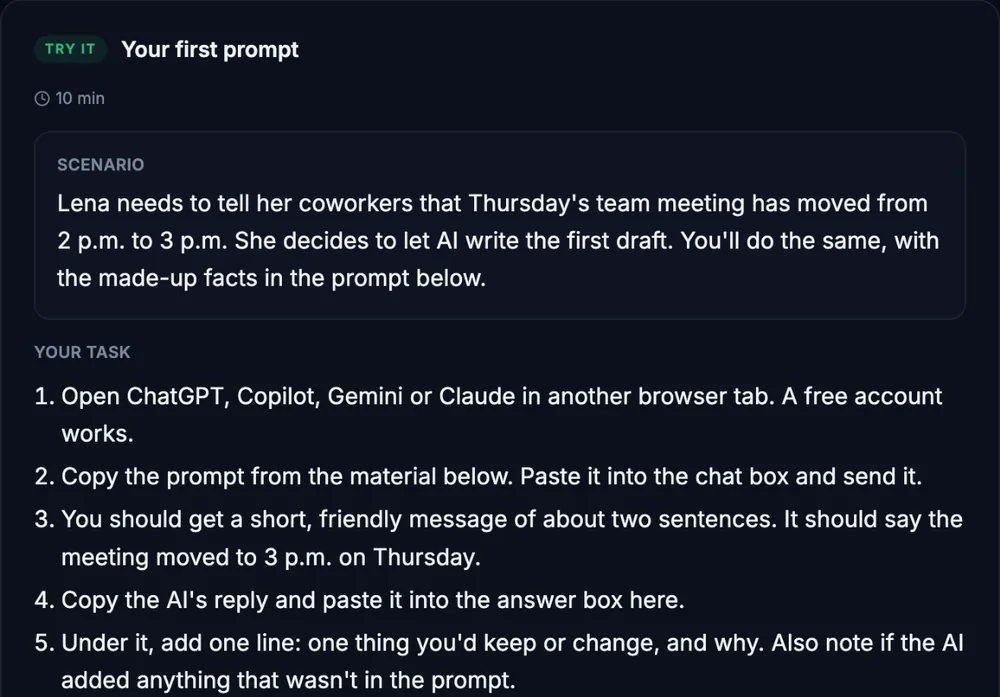
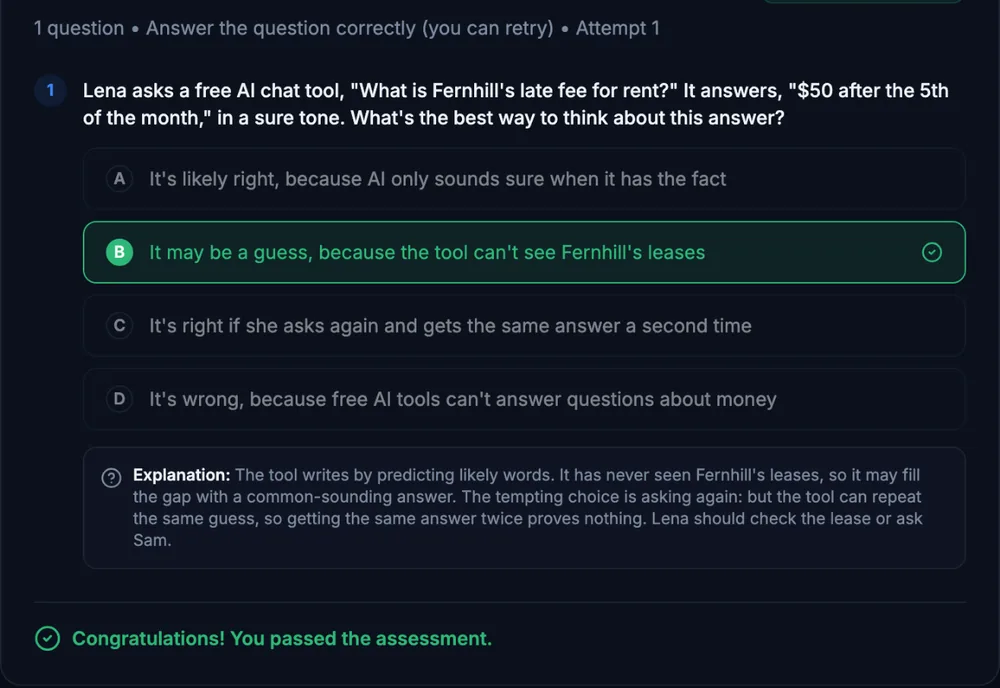
Course outline
Module 1: Plan It
- What a Personal Dashboard Is, and What Goes on It (free preview)
- Choosing Your Track
Module 2: Build It Step by Step
- Exercise 1: A Static "Today" Page
- Exercise 2: A To-Do List That Remembers
Module 3: Finish It Safely
- Exercise 3: Polish: Theme, Phone Layout, and Privacy
- Final Assessment
Start with the free preview lessons, no account required. Questions about buying