All courses · Practical Applications · General
AI Meeting Notes Done Right: Note-Takers, Consent and Follow-Ups
AI Meeting Notes Done Right: Note-Takers, Consent and Follow-Ups is a self-paced AIvanced Academy course (7 lessons, 1h 30m).
Use AI note-takers the right way at work. Pick the right tool, ask before you record, check the notes, keep private talks private, and send clear follow-ups.
- Length: 1h 30m
- 7 lessons in 3 modules
- Level: Beginner
- Certificate of completion
- Price: $9.99 one-time, lifetime access
Also included with Academy Membership ($29.99/month or $249.99/year) and with a Teams plan. See pricing
About this course
AI note-takers (tools that listen to a meeting and write notes for you) now come built into Zoom, Microsoft Teams and Google Meet. Others join your call as a bot or run on your own computer. They save time. They can also record people who never agreed, send notes to the wrong people, and get names, numbers and next steps wrong.
This course is for office workers, managers, HR and operations staff, and small-business owners. You will learn how the three kinds of note-taker work and what other people see with each; how to choose one with five simple questions; how to ask for consent with one easy rule; how to check AI notes before you share them; which meetings to keep off the record; and how to turn checked notes into action items, a follow-up email and a decision log.
Every exercise uses a made-up company, Larkfield Lane Logistics, and works with no AI tool at all. Two exercises also give you a prompt to try in any AI chat tool, with made-up details only.
What you need: nothing to start. You don't need a note-taker or a paid plan, because every exercise can be done in the answer box. To use a note-taker at work, find out which one your company approved and who to ask in IT or HR. Note-taker features usually come with paid business plans or add-ons. Plans and menus change often, so the course says "at the time of writing" where that matters.
Before you start: this course is for beginners. If you're new to AI, "AI Foundations: Understanding Today's AI Tools" is a good first step. "AI Privacy, Safety, and Responsible Use" covers keeping private information out of AI tools in general. This course gives general information, not legal advice.
Topics: meeting notes, ai note-takers, recording consent, zoom, microsoft teams, google meet, meeting follow-ups, action items, fact-checking, privacy, approved tools
What you'll learn
- Tell apart the three kinds of AI note-taker and say what other people in the meeting see with each.
- Choose a note-taker with five questions: is it approved, who knows, where the notes go, how long they are kept, and what it costs.
- Get consent before any note-taker starts with "Ask, announce, allow a no," and know what to do when someone says no.
- Check AI notes for wrong names, numbers and next steps before you share them.
- Set who can see meeting notes, and spot meetings that should not be recorded at all.
- Turn checked notes into clear action items, a follow-up email and a decision log.
What a lesson looks like
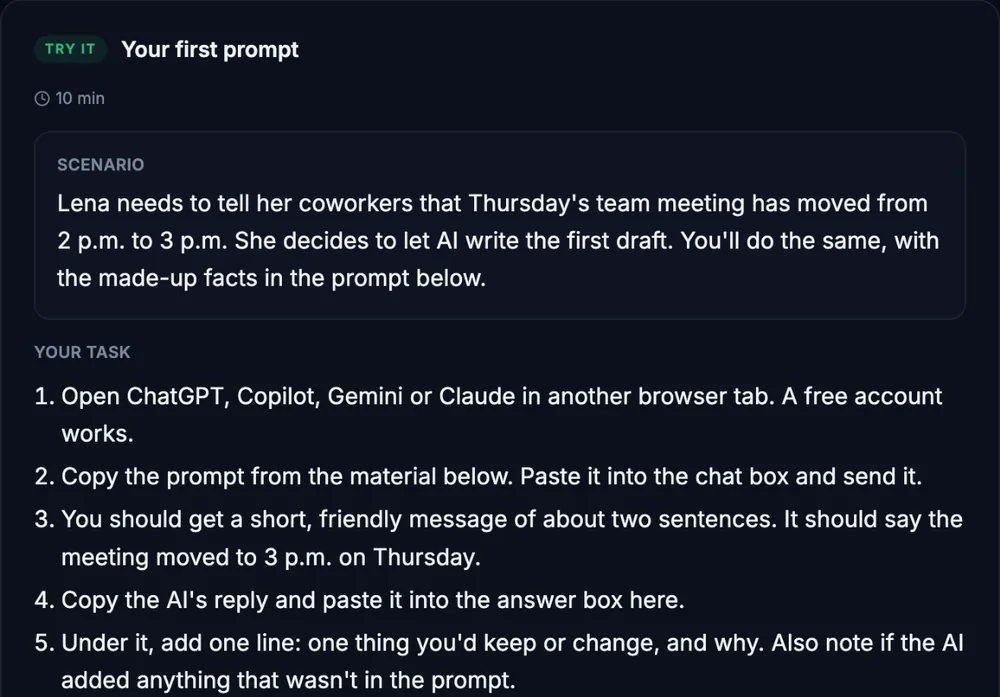
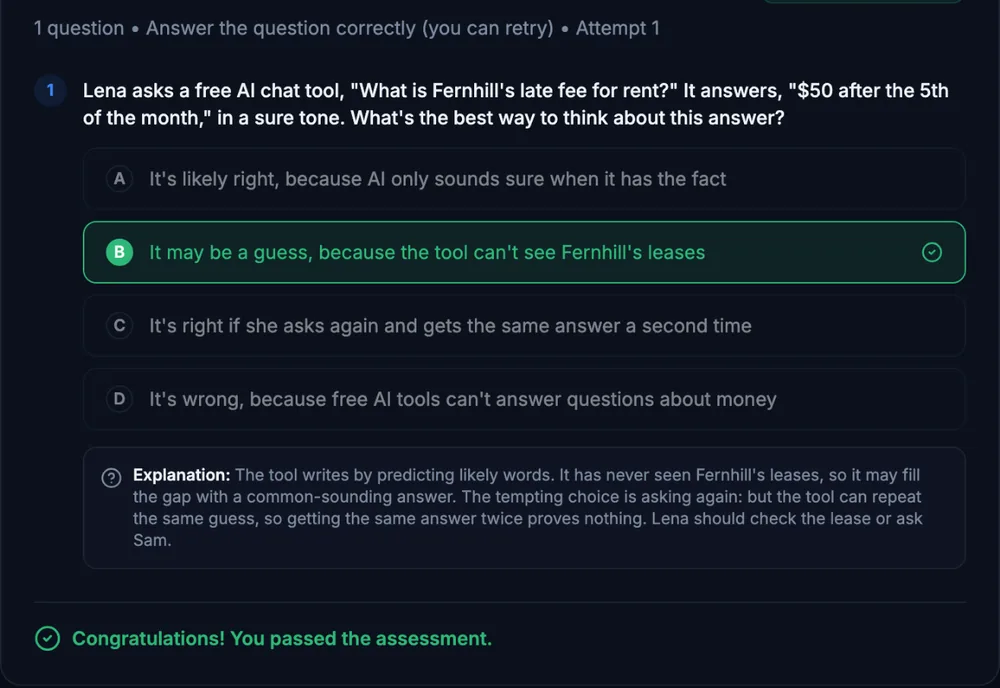
Course outline
Module 1: How Note-Takers Work and How to Choose One
- How AI Note-Takers Work and Who Can See Them (free preview)
- Choose the Right Note-Taker
Module 2: Consent, Accuracy and Privacy
- Ask First: Consent Before You Record
- Check the Notes Before You Trust Them
- Privacy: Who Sees the Notes, and When Not to Record
Module 3: Follow-Ups and Final Check
- Turn Notes into Follow-Ups That Get Done
- Final Knowledge Check
Start with the free preview lessons, no account required. Questions about buying