All courses · Practical Applications · Excel
AI with Excel: Formulas and Troubleshooting
AI with Excel: Formulas and Troubleshooting is a self-paced AIvanced Academy course (6 lessons, 1h 29m).
Use AI to write, fix, and explain Excel formulas. Describe your sheet clearly, test the answer on rows you can check, and solve lookup, logic, error, and cleanup problems faster.
- Length: 1h 29m
- 6 lessons in 3 modules
- Level: Beginner
- Certificate of completion
- Price: $9.99 one-time, lifetime access
Also included with Academy Membership ($29.99/month or $249.99/year) and with a Teams plan. See pricing
About this course
Most people know what they want a spreadsheet to do. The hard part is the formula. In this course you learn to describe your sheet to an AI chat tool so it writes the right formula the first time, and to check that formula before you trust it.
This course is for office workers, managers, and small-business owners who use Excel but are not formula experts. You should know how to type in a cell and fill a formula down a column. Everything else is taught step by step.
You will practice with made-up data from a fictional office supply company: order dates, product lookups, shipping rules, an inventory sheet with broken formulas, and a messy contact list. You will ask AI for XLOOKUP (plus VLOOKUP and INDEX/MATCH for older files), IF and IFS logic, fixes for errors like #N/A, #VALUE!, and #SPILL!, and cleanup formulas such as TRIM, TEXTBEFORE, UNIQUE, and FILTER.
What you need: Excel (Microsoft 365 is best; notes for Excel 2016, 2019, and 2021 are included) and any AI chat tool, such as ChatGPT, Claude, Gemini, or Microsoft Copilot. If your plan includes Copilot in Excel, you can use it too. You never need to paste real or confidential data: every exercise uses made-up rows.
Topics: excel, formulas, xlookup, spreadsheets, fixing errors, data cleanup
What you'll learn
- Describe a spreadsheet to an AI tool (version, sheet, columns, sample rows, the result you want, and edge cases) so it writes the right formula.
- Ask AI for lookup formulas: XLOOKUP first, and VLOOKUP or INDEX/MATCH when a file must work in older Excel.
- Build IF, nested IF, and IFS logic for tiered rules, and put the conditions in the right order.
- Fix #N/A, #VALUE!, #REF!, #DIV/0!, #NAME?, and #SPILL! errors by describing the error and the sheet layout.
- Have AI explain a complex formula in plain language, and test any formula on rows you can check by hand.
- Clean up messy data with TRIM, TEXTSPLIT, TEXTBEFORE, TEXTAFTER, UNIQUE, FILTER, SORT, and Flash Fill, and know when Power Query is worth a look.
- Keep confidential and personal data out of AI prompts by using made-up or masked sample rows.
What a lesson looks like
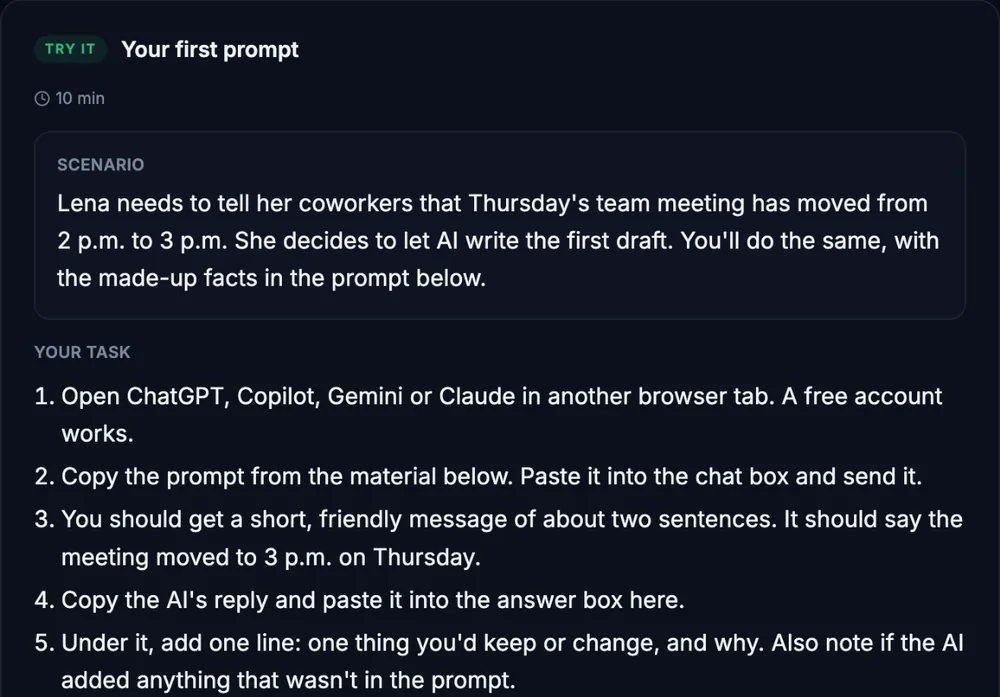
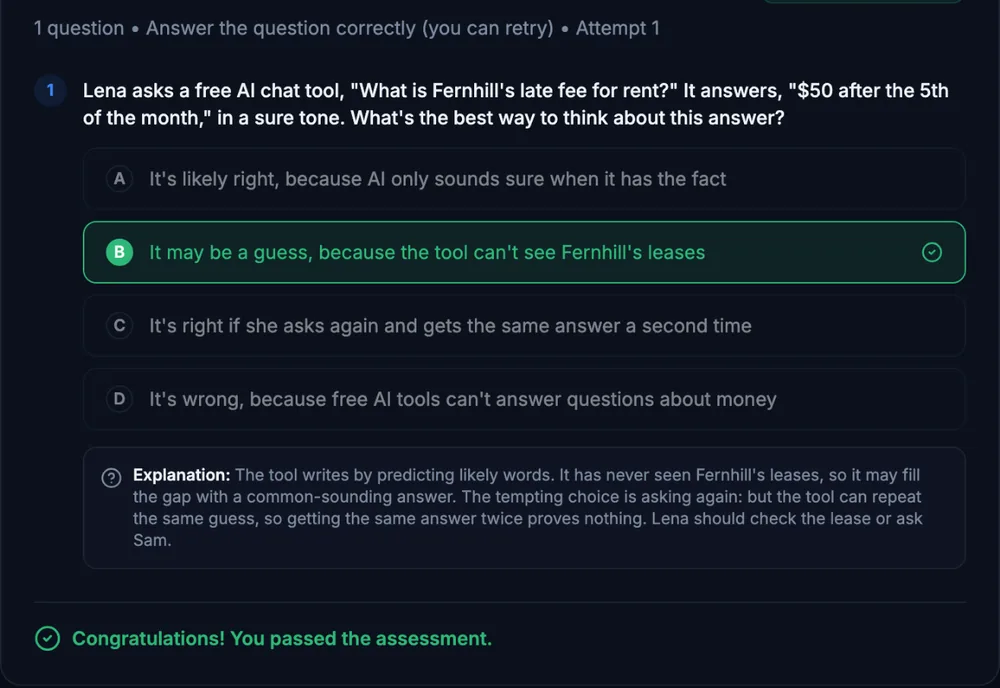
Course outline
Module 1: Describe It, Get It, Test It
- Describe Your Sheet So AI Writes the Right Formula (free preview)
- Lookups: XLOOKUP First, VLOOKUP and INDEX/MATCH for Older Files
Module 2: Logic, Explanations, and Errors
- IF and IFS Logic, Explained in Plain Words
- Fix Broken Formulas by Describing the Error
Module 3: Clean Up and Check Your Skills
- Clean Up Messy Data with AI
- Final Assessment
Start with the free preview lessons, no account required. Questions about buying